
Your phone is the
intercom and the key.
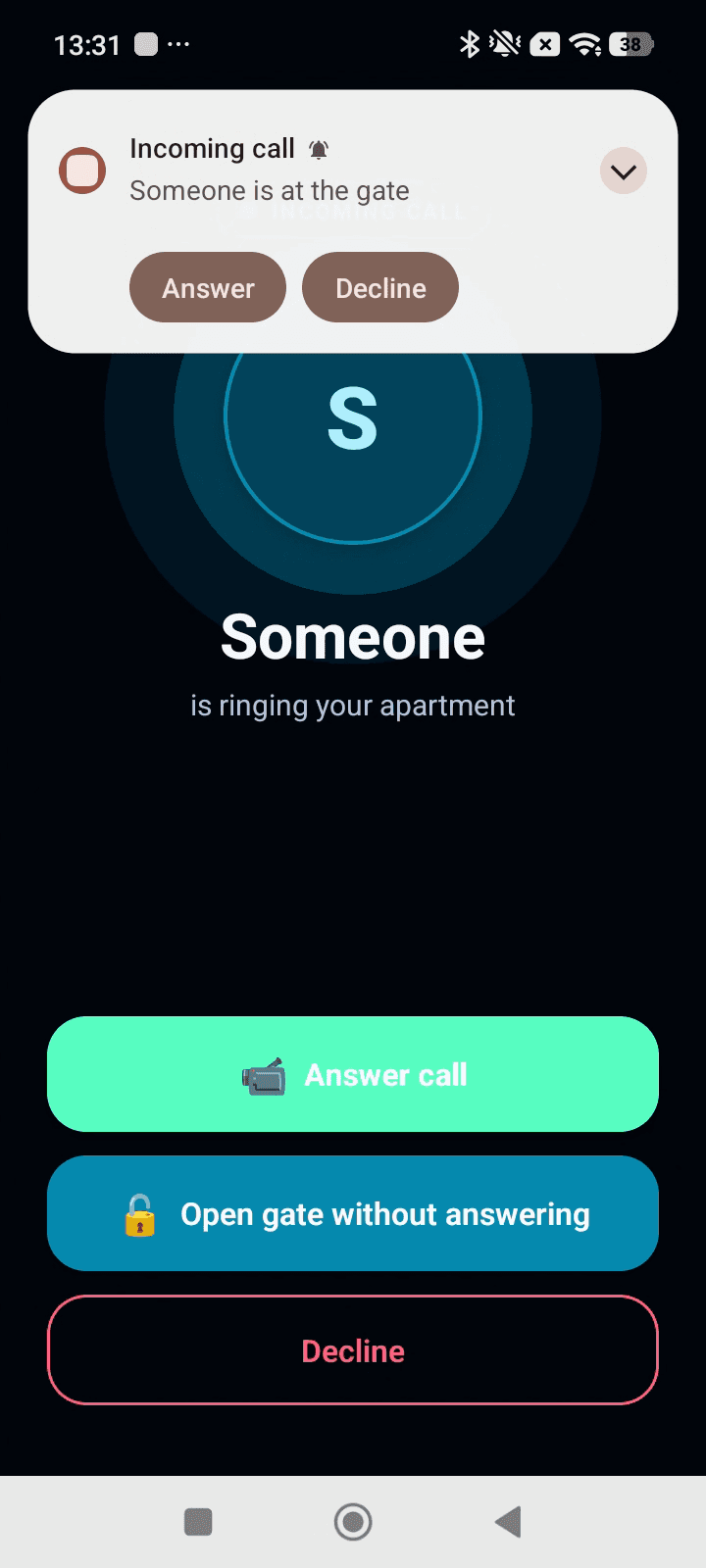
When someone rings at the gate, your phone rings — wherever you are. See who it is, talk to them and let them in, whether you’re at home, at work or on holiday.


Managing a building or a complex? Request a demo →
From the ring to an open door, in seconds
A visitor rings
They tap your flat on the panel at the gate, or scan its QR code with their own phone — no app needed on their side.
Your phone rings
You get a video call wherever you are. If you can’t pick up, it moves on to the next person in your household.
See, talk, open
See them, talk to them and open the gate from the app. Missed the call? It’s waiting in your history.
The front door, rebuilt around your phone.
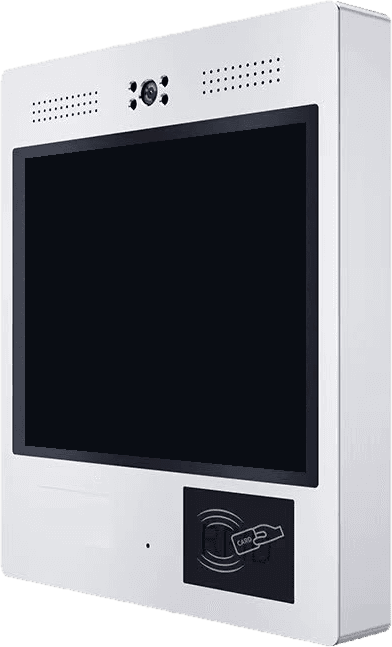
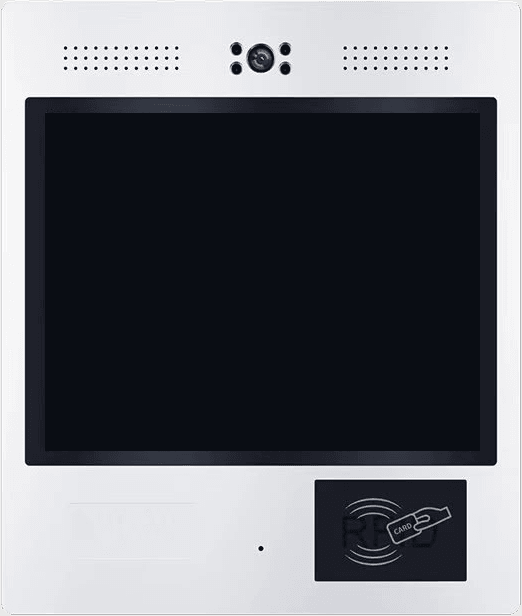
A slim video panel at the entrance. Visitors find your flat in a couple of taps — you answer from wherever you are.
 Portiqapp
Welcome to
Sunset Apartments
Sc B Entrance
Enter your visitor name
Who would you like to visit?
- Ap 1ANo one can answer
- Ap 1BTap to call
Powered by Portiqapp.com
The door is open
You can go in now.
- 01A visitor picks your flat
- 02Your phone rings
- 03You see and talk
- 04The gate opens
Probably the fastest intercom setup in the world.
Tired of projects, surveys, meetings, cabling and digging trenches? See how our system is installed — and how much you save on implementation.
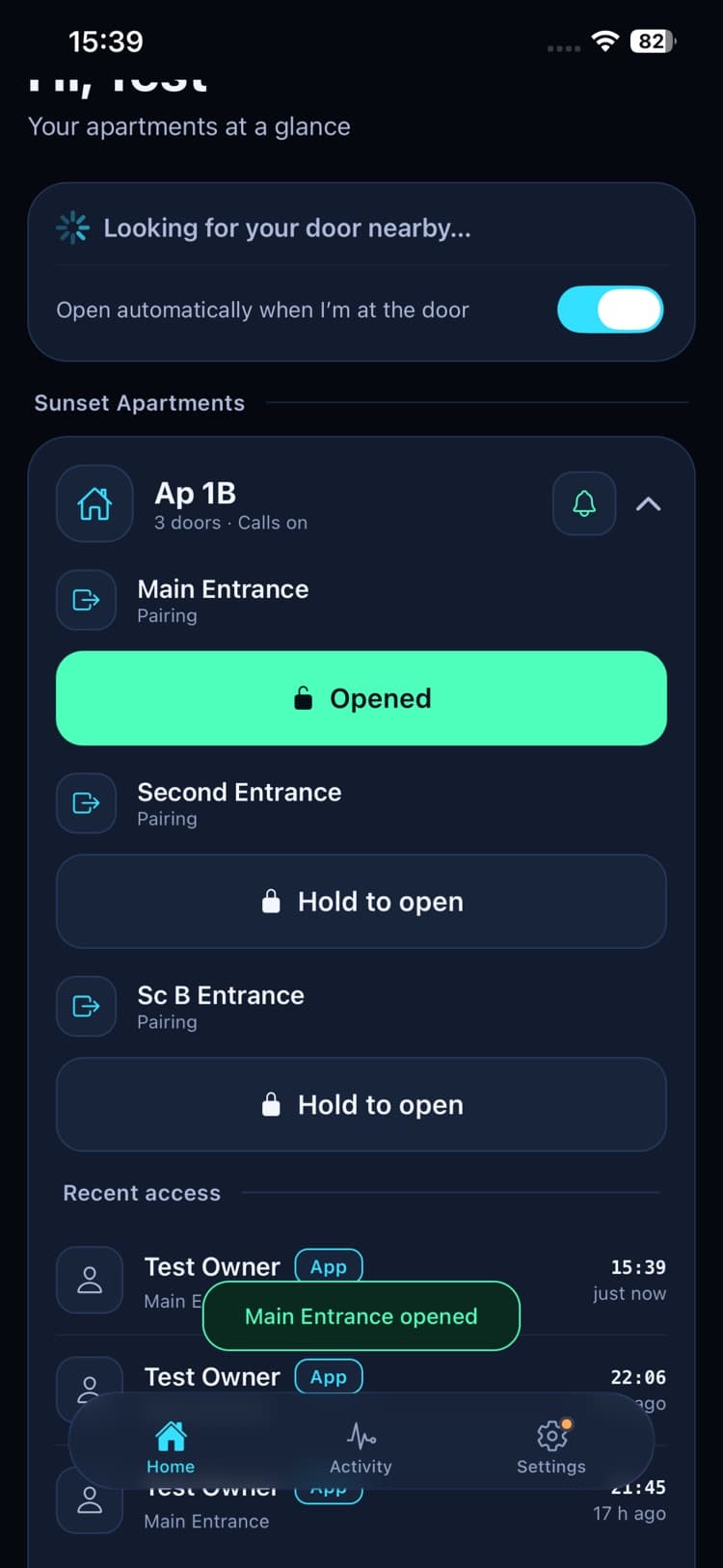
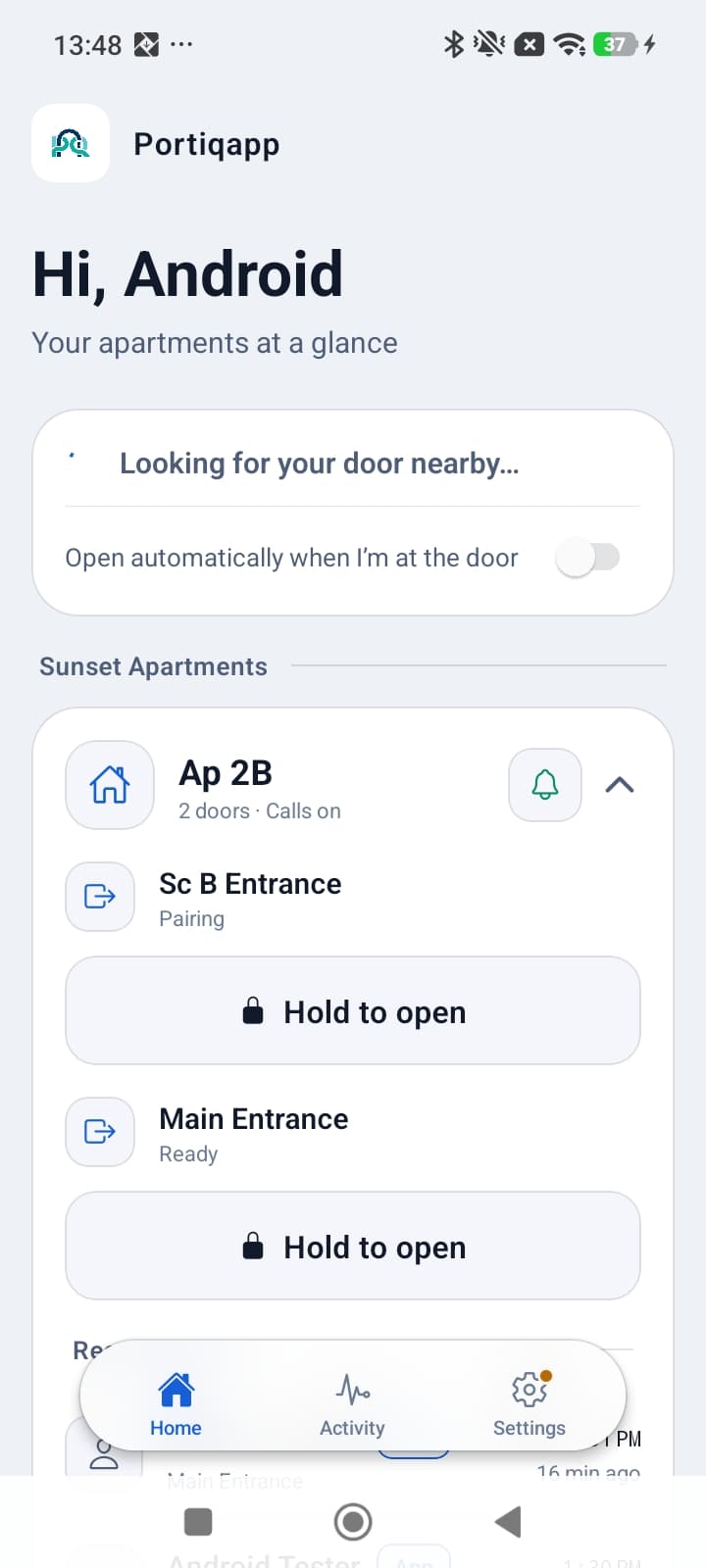
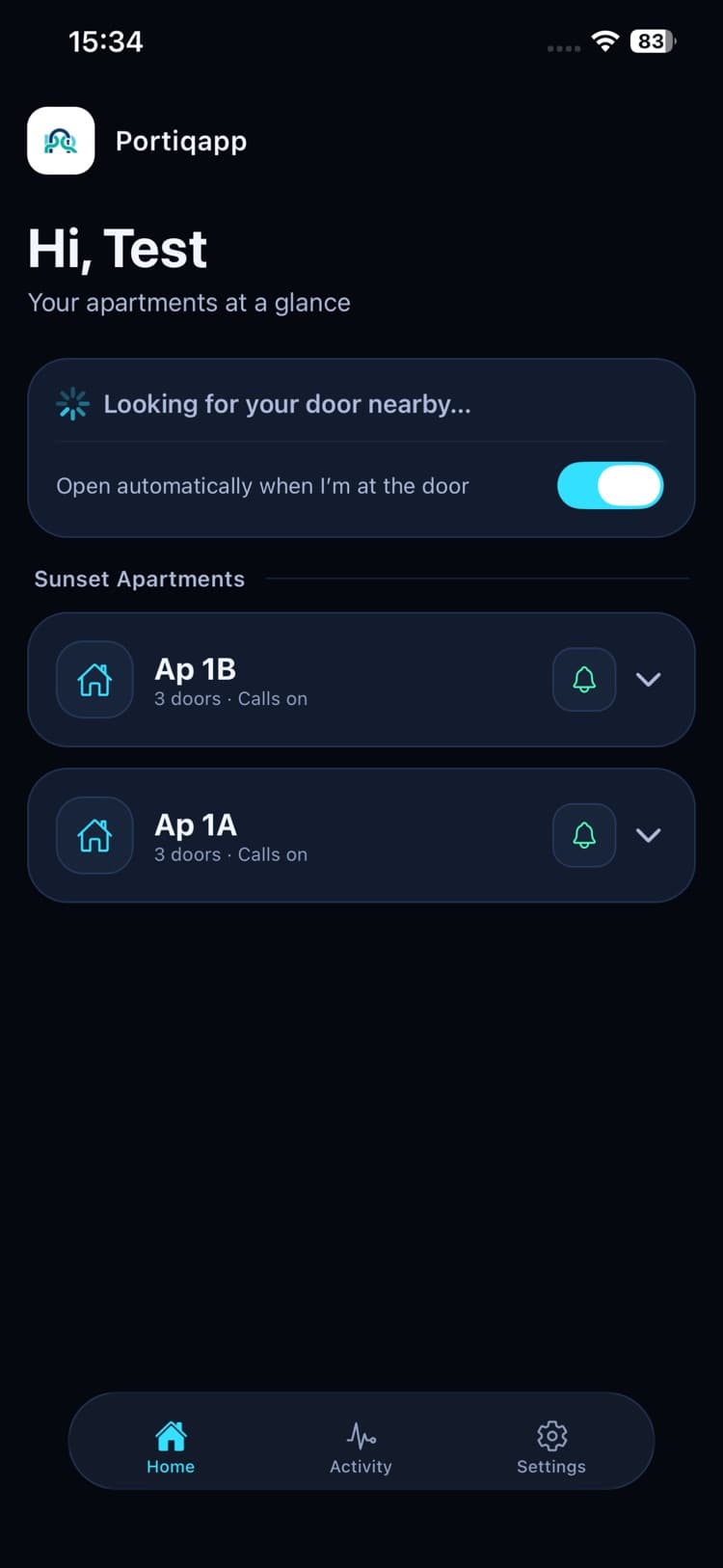
Everything about getting in, in one app
Real screens from the app. Pick one to see it.
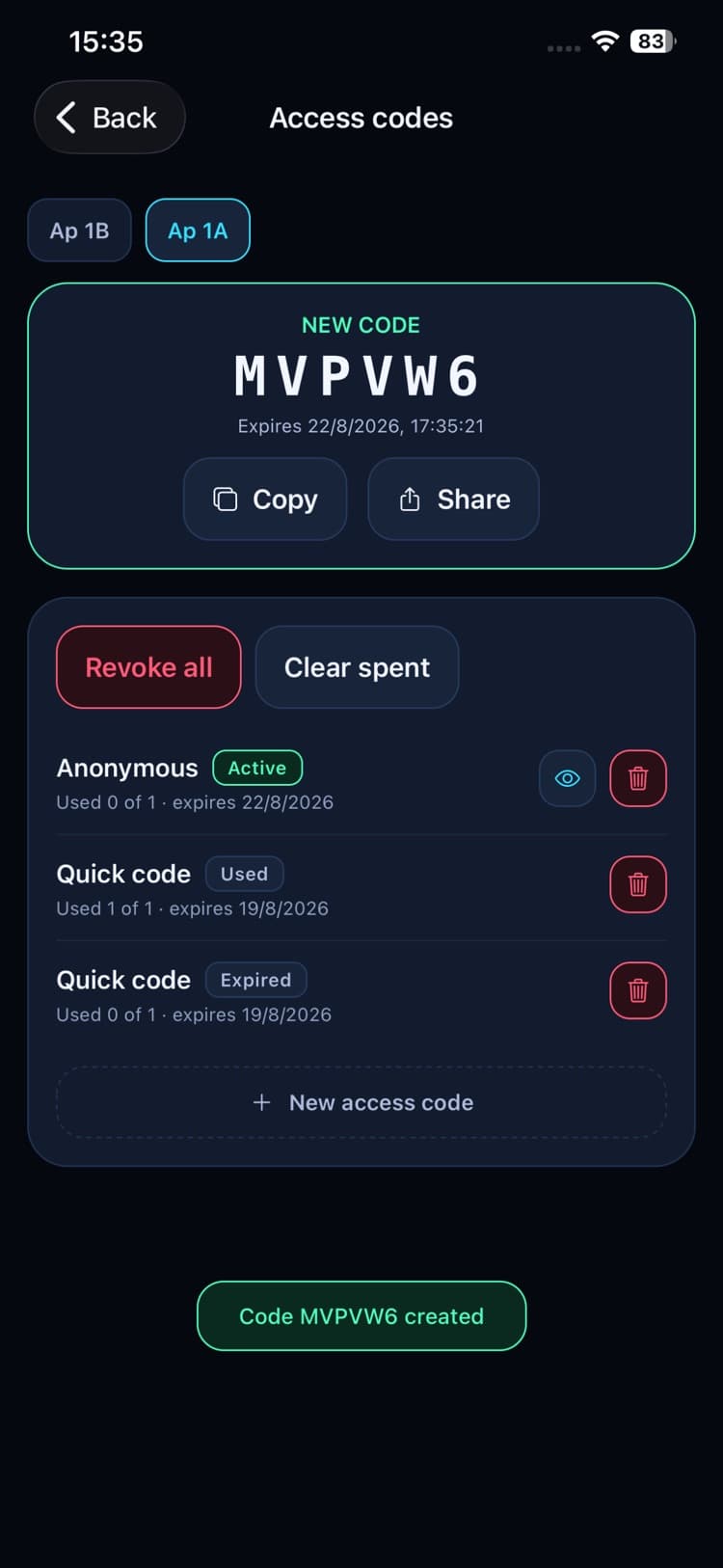
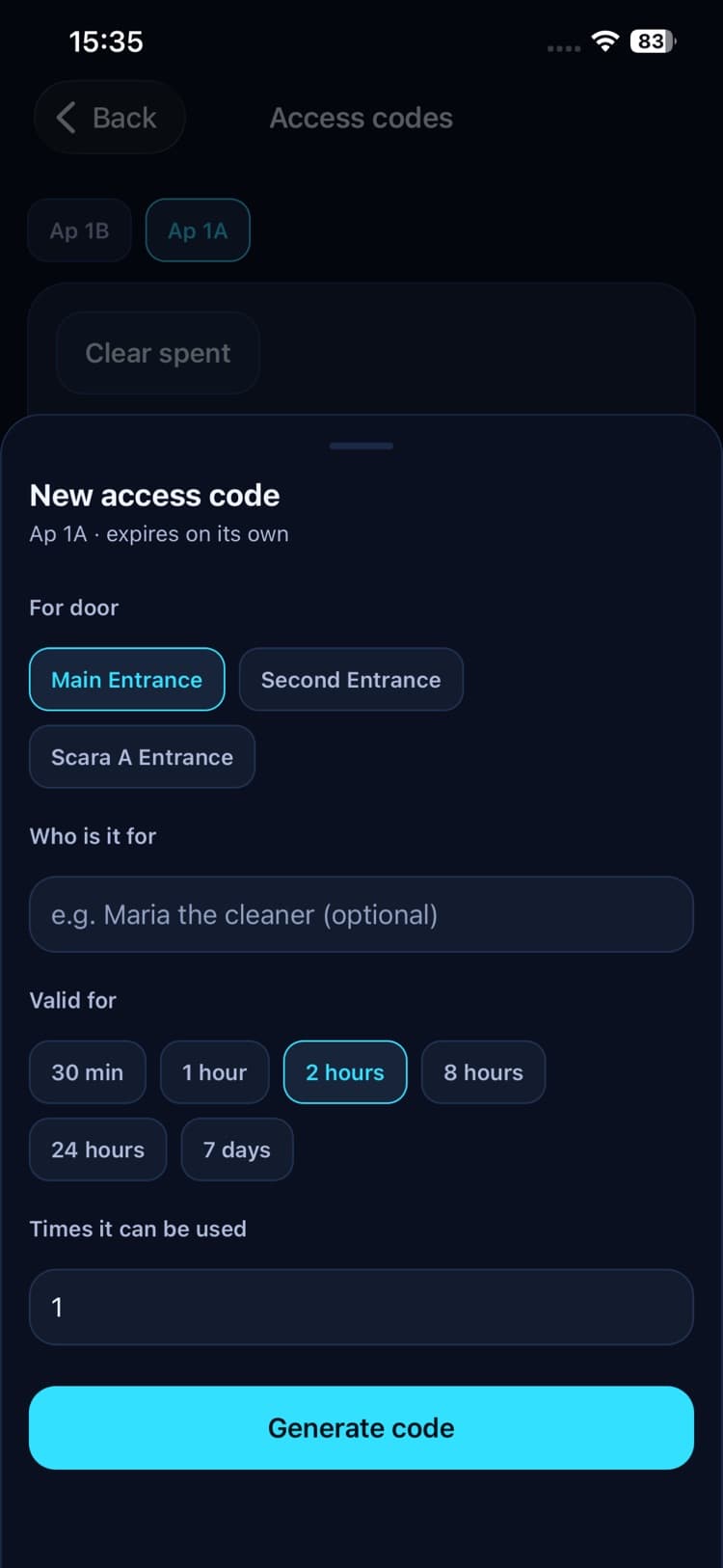
Hosting on Airbnb or Booking.com? Send a code, not a key.
Give every guest their own entry code for the length of their stay. No key handover, no lockbox, nothing to copy — and when the stay is over, the code stops working on its own.
- Valid for as long as you chooseFrom 30 minutes to 7 days — a weekend, a week, or one afternoon for the cleaner.
- As many entries as the stay needsOne use, or up to 50 for guests coming and going.
- One code per guest, by nameThe activity log shows exactly when each guest came in.
- Cancel it any timeRevoke one code, or every code for the apartment at once.
- Send it however you talkWhatsApp, SMS, email — straight from the app’s share sheet.
A code starts working the moment it is created, and runs for up to 7 days. For longer stays, send a new one.
- Fri 15:42 · Maria · Code
- Sat 18:10 · Maria · Code
One app, on every phone.
Everyone in the household can use it, whatever phone they have. Everything you saw above works the same on iPhone and Android.
Built for real buildings
No project, no cabling through the building, no trenches: fit the panel at the gate and residents answer on their phones.
At the gate
Wall panel
A touchscreen at the entrance with big buttons and a floor filter a gloved finger can use.
QR for visitors
Visitors can ring from their own phone by scanning the gate’s code — nothing to install.
Only from the gate
Optionally, visitors can only ring when they’re at the gate — a photo of the QR code is useless from anywhere else.
Nothing to fit in the flats
No intercom handsets in every apartment — the panel at the gate calls residents’ phones directly.
In the admin console
Buildings & staircases
Property-wide gates for the street door, and per-staircase gates that only their residents reach.
Residents & managers
Invite owners and members, change roles, and see which complex anyone belongs to.
Move-outs made simple
Someone moves out? Remove their access from the console on the spot — no locks to change, no keys to chase.
Key fobs
Register RFID cards and fobs per apartment, and revoke them instantly.
Want Portiqapp in your building or complex?
Tell us a little about the property and we will get back to you with a demo and an offer that fits it.
- A reply from a person, not an automated sequence
- A live demo on a real gate, not a slideshow
- An offer sized to the number of units
office@portiqapp.com
An app you can trust.
The gate holds nothing that could open it on its own, and a door stays yours even when the network doesn’t.
Get Portiqapp
Free on the App Store and Google Play. Your account is set up by your property or site manager — ask them for an invitation.
Managing a building or a complex? Talk to us →